Windows 10/11 · 64-bit
- File
- MaharoSetup.exe
- Size
- 18.1 MB
- SHA-256
-
d9d8fe4ec84e15a038148e336a9baef36c6ec450a08cc23618166a1735043f37
YOUR CLASSROOM, WITH YOU
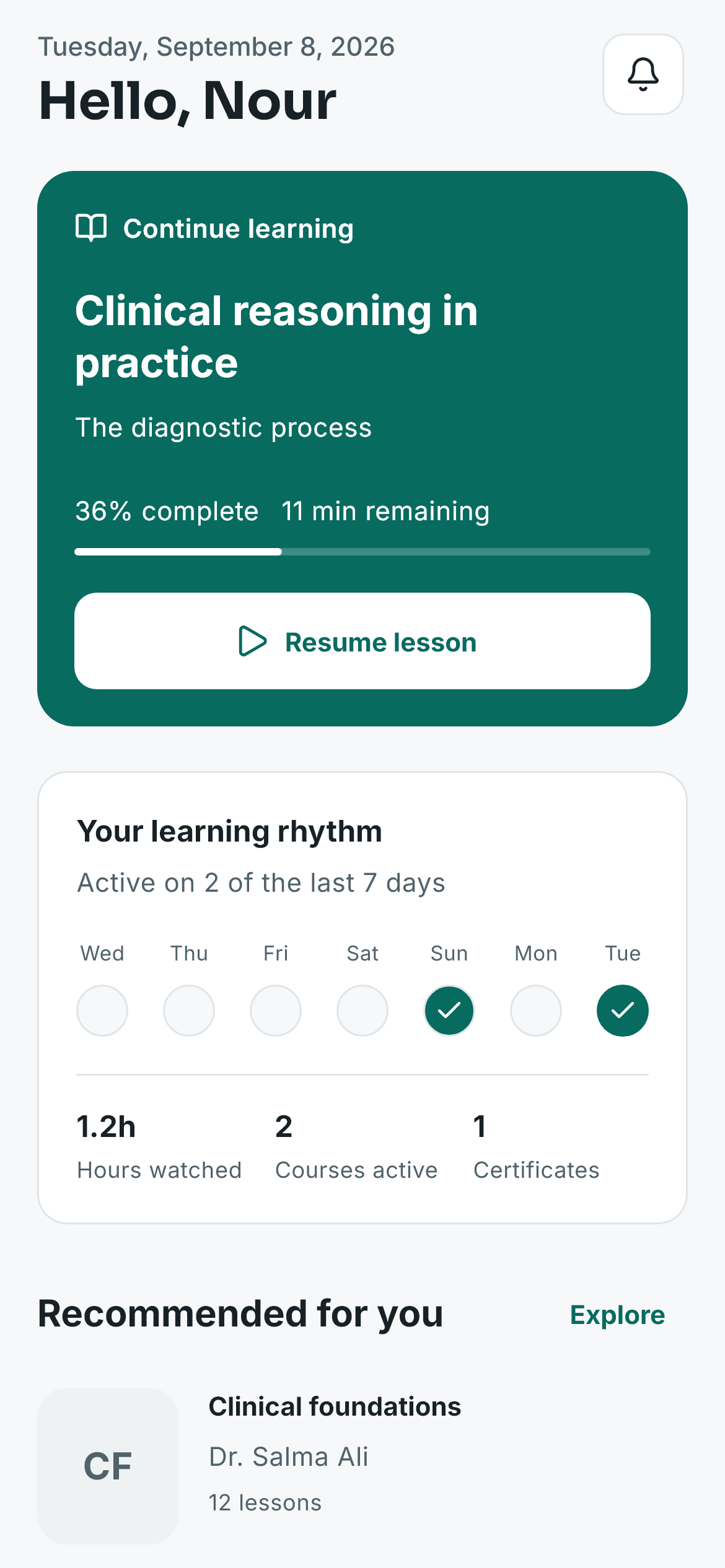
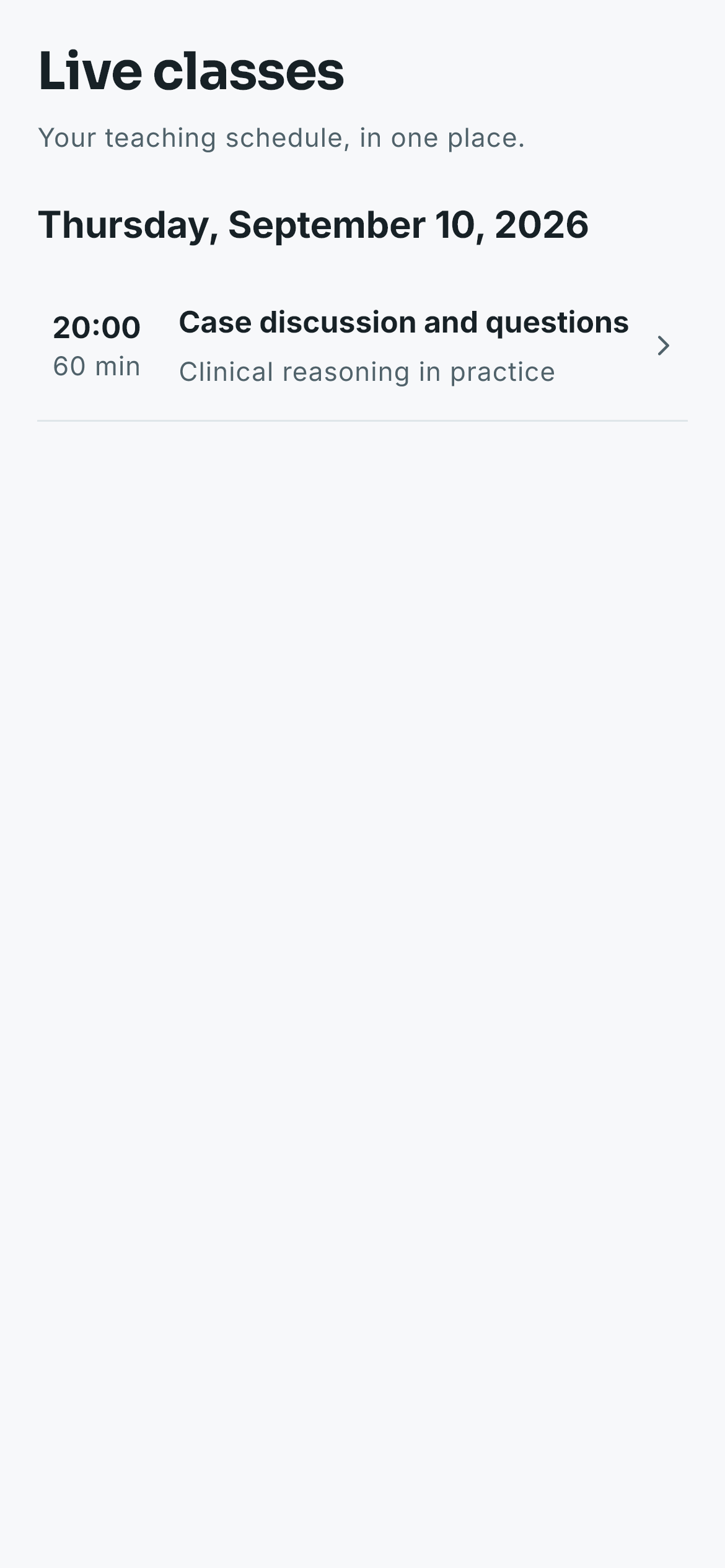
Life moves. Your learning comes with you. Lessons, live classes, progress, and certificates — connected across Windows and Android.
Download a lesson. Pick up where you left off.
ONE ACCOUNT. EVERY NEXT CHAPTER.
From the lesson you saved to the progress you earned. It all belongs together.
Explore the classroom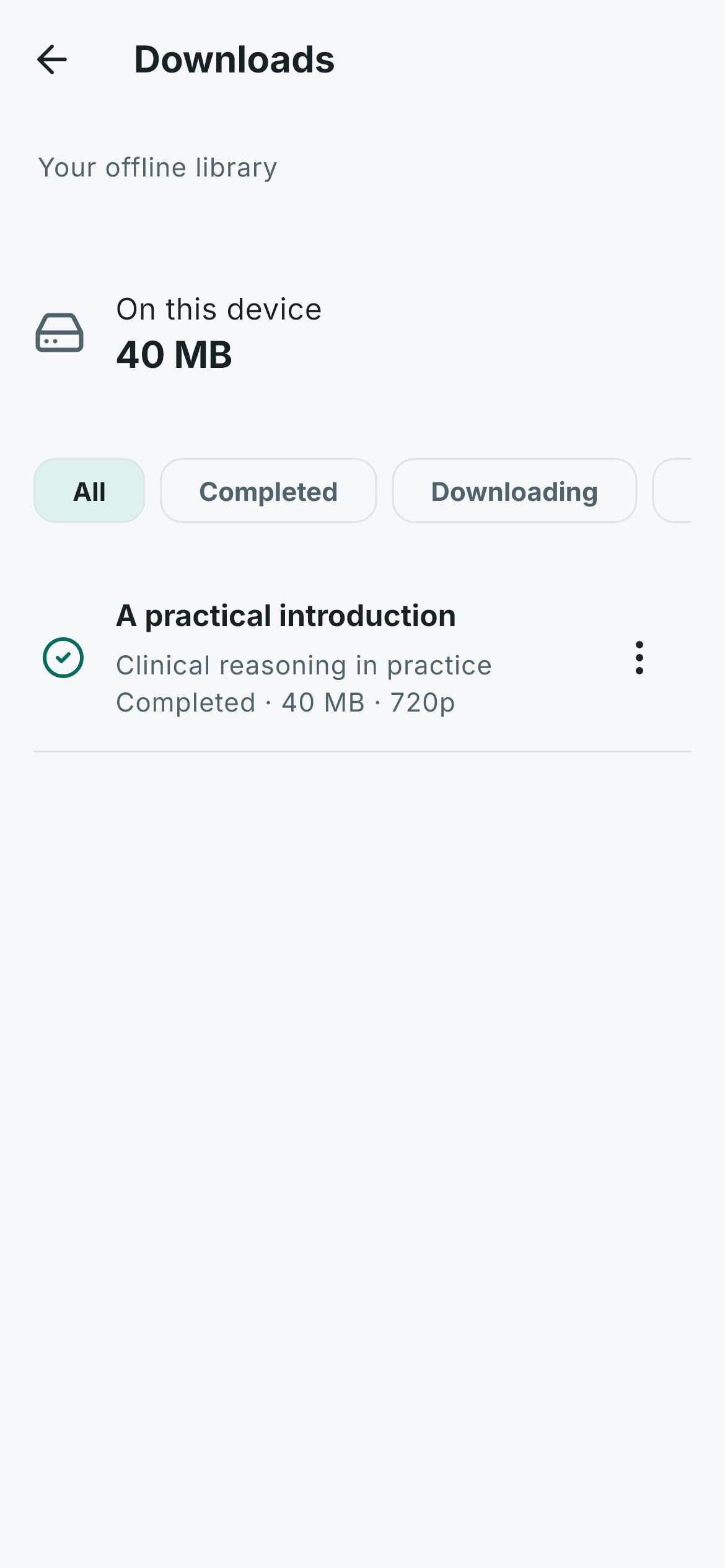
01 / LEARNING, UNINTERRUPTED
Save a lesson before you go. Resume on another device after sync. Join your next live class — all within the same classroom.
Continuity example · Chapter saved on the device · 12:41 · Windows
Offline is a planned state.Downloaded lessons stay playable. Progress is written on the device and waits for the next sync.
Actual app interface. The learning data shown is illustrative.
02 / PROGRESS YOU CAN SHARE
A Maharo certificate has a public ID that anyone can check — no account, public facts only.
03 / TAKE YOUR CLASSROOM WITH YOU
Sign in to start the file. Compare the full SHA-256 after it lands. Version 1.2.2+62.
d9d8fe4ec84e15a038148e336a9baef36c6ec450a08cc23618166a1735043f37
f4c88a0911fc3ea9c17714db997281f181269da11958d0521c6c72e66ffe3816
Android may ask to install from the browser because this APK is not from a store.
THE DETAILS, MADE SIMPLE
Windows 10/11 64-bit and Android 8.0+.
Lessons you download first.
Yes, after sync, from the saved second.
This is a direct APK, not a store build.
Match SHA-256 with the files on this page.
Enter the public ID on the verification page.